01 /
A little focus goes a long way.
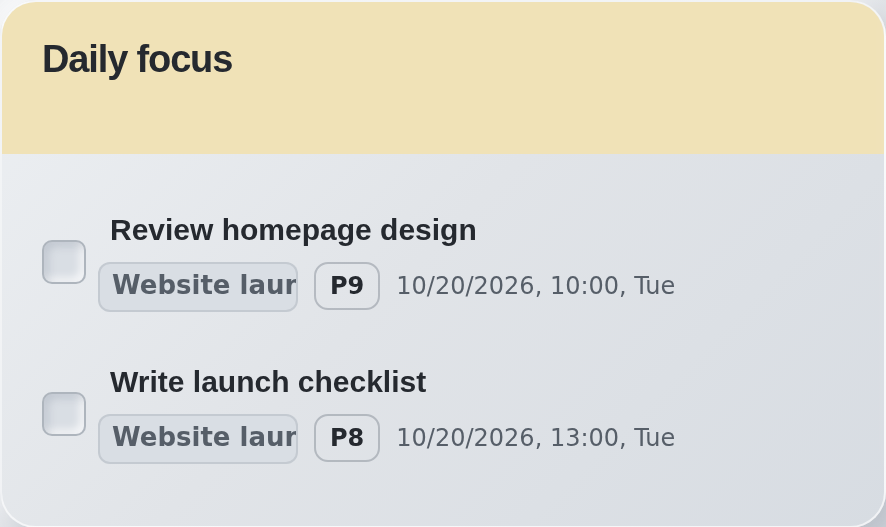
Choose your Daily Focus and keep it in view. Unfinished focus tasks carry forward until you complete or remove them.
Your whole list has a place. Today has a focus.
 niti
A little structure. A little breathing room.
Made for the way your day unfolds ↗Your tasks, today's focus, and the bigger picture. A calm place to bring them together — in your browser and across your devices.
Start without an account. Keep working offline.
The web app and accounts are live. Use extension version 2.2.0 to connect your devices.
Less holding it all in your head
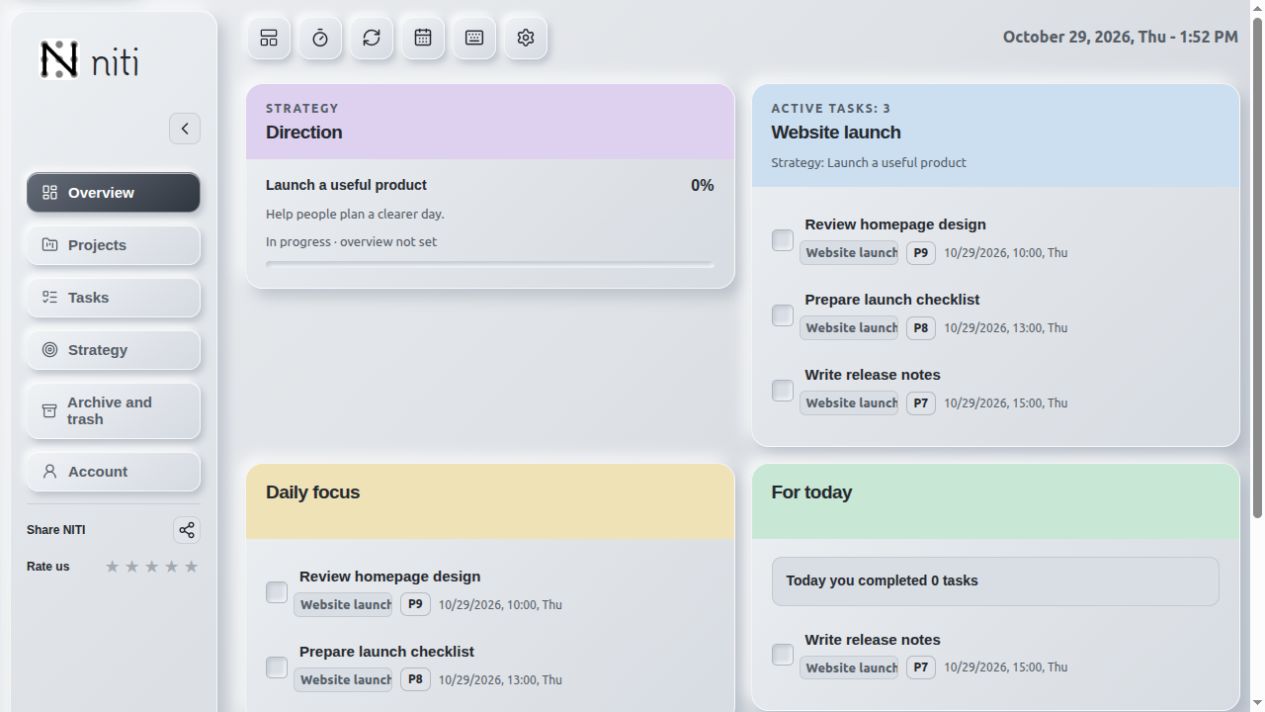
Begin with a thought. Give it a next step. Keep the work that matters close.
Choose your Daily Focus and keep it in view. Unfinished focus tasks carry forward until you complete or remove them.
Your whole list has a place. Today has a focus.
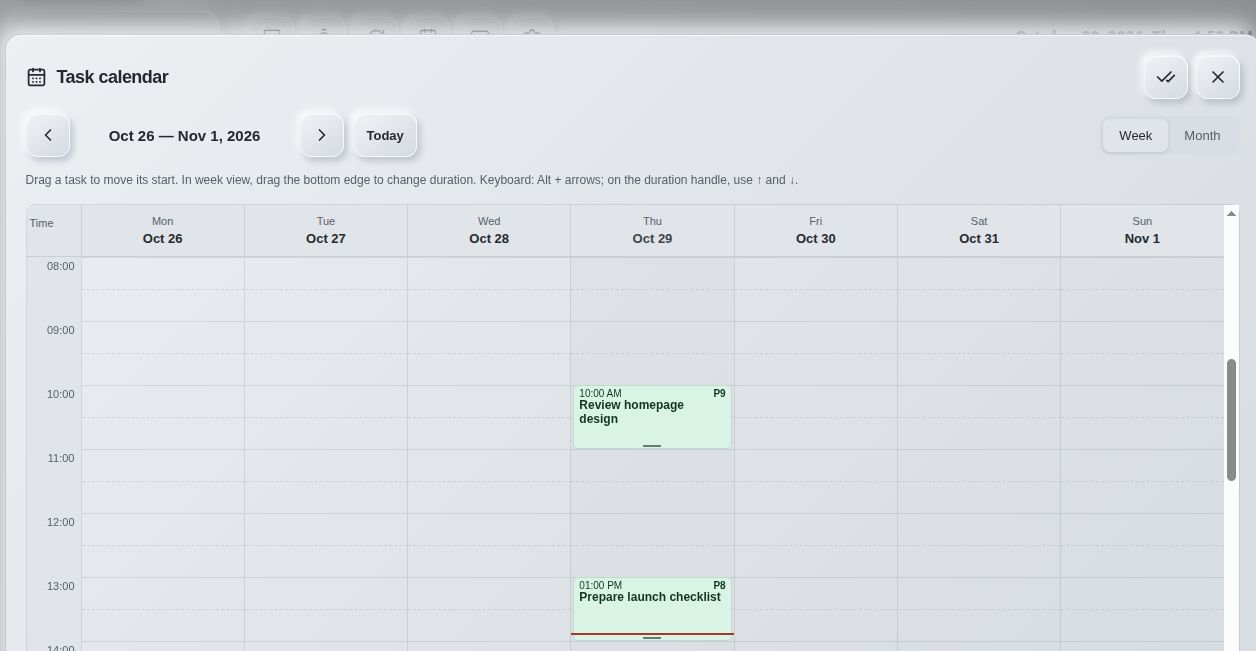
Switch between your task list and calendar. Group work into projects, connect projects to goals, and bring the next step into today.
From a small next action to a bigger plan.
Recurring tasks, reminders, and optional automatic rescheduling help regular work find its rhythm.
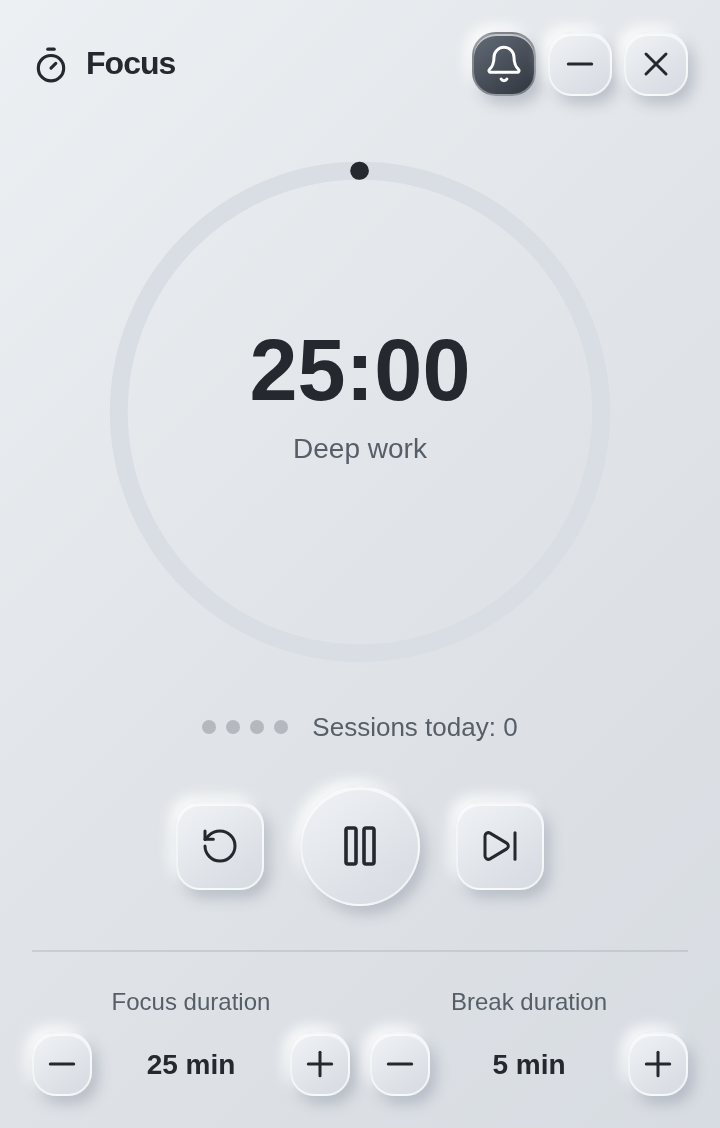
A built-in focus timer gives work and breaks their own space.
Start here. Continue anywhere.
Use NITI locally, or connect an account when you want your plan on more than one device.
Start without signing up. Your local workspace stays in this browser. Export a backup and restore it when you need it.
How your data works ↗Sign in with Google to synchronize tasks, projects, strategies, dashboard layout and preferences automatically. Missing local objects are added to your account; your local workspace stays separate.
Offline edits are sent when you reconnect. If the same object changes on two devices, the latest whole version is kept.
Set up your account ↗Open the dashboard on your phone or computer. Install the web app as a PWA in a supported browser and keep working offline.
Notifications while a mobile PWA is closed are not available yet.
NITI on your home screen: quick launch and offline work.
 Scan to open NITI on your phoneOpen the web app ↗
Your plan, in the conversation
Connect an AI client through MCP to find and read your tasks. Grant write access separately when you want it to help update tasks, projects, goals, or Daily Focus.
You choose each connection's permissions and can revoke access in your account. The AI service's own subscription and capabilities apply.
Manage AI connections ↗A clear place to begin
Add NITI to Chrome or open the web app.
Capture a task. A title is enough to start.
Add it to Daily Focus and make a little room for it.